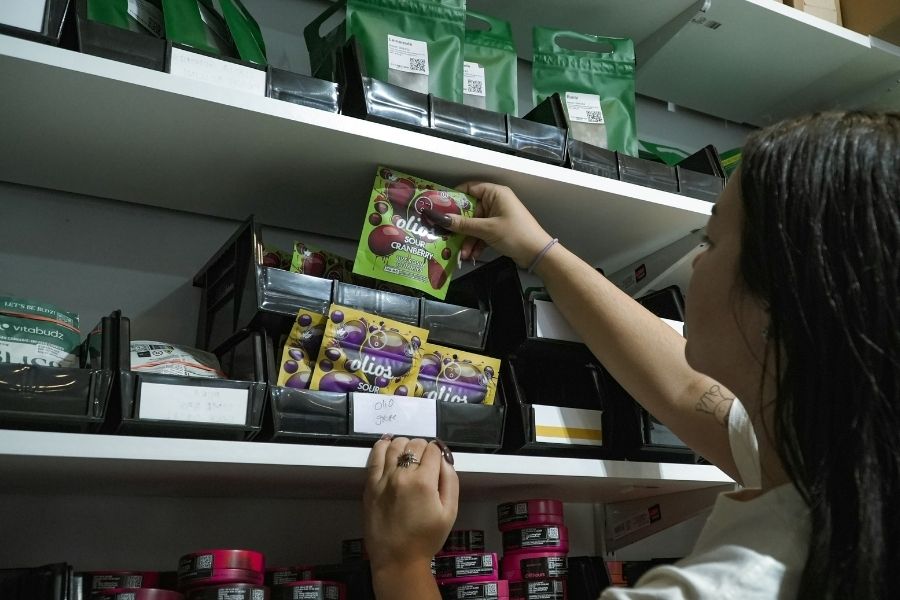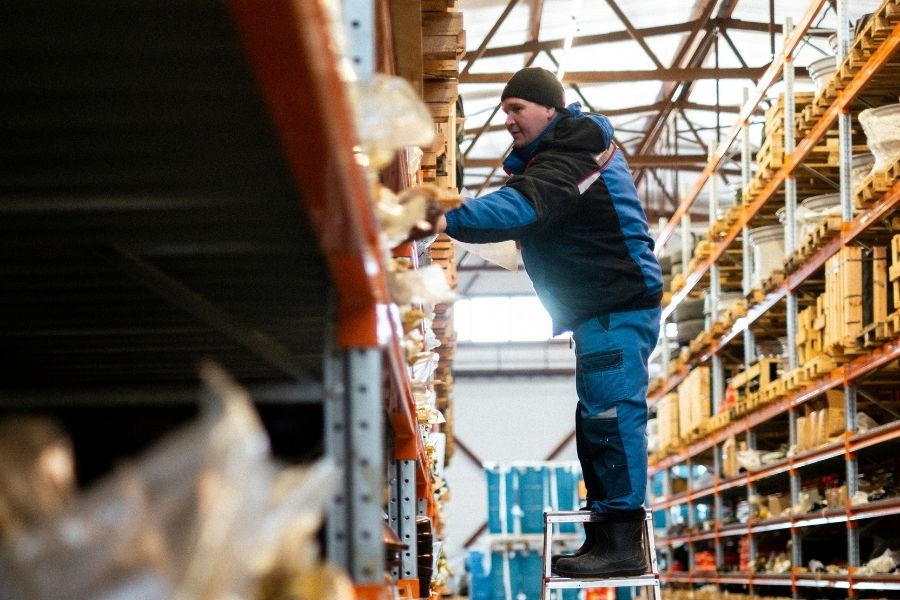
A warehouse can have 500 units of an item on hand and still stop a picker from completing an order.
The inventory exists. It is simply sitting in reserve storage while the forward pick location is empty.
Now the picker waits. A supervisor gets involved. Someone makes an emergency stock move. Travel increases, the pick path is interrupted, and the order takes longer to complete.
That is the problem warehouse replenishment software is meant to address.
Warehouse availability is not only about total stock. It is also about having the right quantity in the right location when the picking operation needs it.
What Warehouse Replenishment Actually Means
Warehouse replenishment is different from purchasing replenishment.
Purchasing replenishment brings more inventory into the business.
Warehouse replenishment moves inventory the business already owns from one internal location to another.
A common warehouse structure includes:
Reserve storage: Higher-volume inventory kept away from the primary picking area.
Forward pick location or pick face: A smaller, accessible location where employees regularly pick items for orders.
When the pick face begins running low, stock must be moved from reserve before the location becomes empty.
SAP Business One supports warehouse and bin-location inventory, internal transfers, and minimum and maximum quantities for bin locations. It specifically allows minimum and maximum quantities to be defined so inventory can be replenished when a bin falls below its minimum.
Execution is the harder part: someone still has to identify the need, move the correct stock, confirm where it came from, place it in the correct destination, and record the transaction.
Why Forward Pick Locations Run Empty
A forward pick location can run dry even when overall inventory is healthy.
Fast-moving SKUs may consume stock faster than expected. The pick face may hold only a small quantity. Order volume can spike. Location balances may be inaccurate because previous movements were entered late.
Replenishment may also depend too heavily on someone noticing the problem.
That produces a reactive pattern:
Picker finds empty location → supervisor searches for reserve stock → employee makes emergency move → transaction gets recorded later.
The more frequently that happens, the more warehouse labor is spent responding to shortages instead of executing a planned flow.
And if the system location is wrong, finding the reserve stock may become part of the problem.
What Happens When Replenishment Breaks Down
Poor replenishment creates costs well beyond an empty bin.
Pickers wait instead of picking.
Employees make unplanned trips through the warehouse.
Supervisors interrupt other work to coordinate stock moves.
Replenishment activity collides with active picking.
Orders take longer to complete.
Shipping cutoffs become harder to meet.
Location balances become less reliable when emergency transfers are entered after the fact.
A warehouse can therefore have strong purchasing and plenty of inventory while still suffering from weak fulfillment performance.
The problem is not supply, it’s execution.
How Softengine WMS+ Supports Warehouse Replenishment Execution
Softengine WMS+ provides the mobile warehouse execution layer around SAP Business One.
WMS+ maintains real-time inventory across warehouses and bins, uses mobile barcode scanning and guided workflows, and supports inventory movements, transfers, receiving, put-away, picking, and counting while keeping warehouse activity connected with SAP Business One.
For replenishment specifically, WMS+ supports two important workflows.
Warehouse employees can perform ad hoc inventory transfers between bin locations. The workflow lets the operator scan a source bin or item, enter the quantity, select the destination bin, and complete the transfer. Moving stock into replenishment bins is explicitly identified as one use case.
WMS+ can also fulfill Inventory Transfer Requests created in SAP Business One. Employees can select the request, scan the inventory, confirm the relevant bin, move it to the specified destination, and complete an Inventory Transfer back in SAP Business One. Warehouse replenishment requests are explicitly listed as a supported scenario.
The important distinction is that WMS+ supports the execution of replenishment movements.
The exact logic a company uses to determine when a pick face needs replenishment should be designed around its warehouse processes and SAP Business One configuration rather than assuming an undocumented automatic replenishment algorithm.
From Reserve Storage to the Pick Face
| Replenishment Step | What Happens | Why It Matters |
| Reserve inventory is available | Stock exists elsewhere in the warehouse | Confirms the problem is location, not overall supply |
| Pick location runs low | Forward inventory approaches the warehouse’s replenishment point | Creates the need for an internal move |
| Need is identified | Operations determines stock should be moved | Prevents the pick face from becoming a surprise shortage |
| Reserve stock is selected | Correct available inventory is located | Reduces searching and unnecessary travel |
| Inventory is moved | Stock travels from reserve to forward pick | Restores picking availability |
| Source and destination are confirmed | Locations are captured during the move | Protects location accuracy |
| Transaction is completed | System inventory reflects the movement | Keeps SAP Business One aligned with the floor |
| Picking continues | Forward inventory is available again | Reduces fulfillment interruption |
The goal is to turn replenishment from emergency movement into a controlled warehouse process.
Why Barcode Validation Matters During Replenishment
A replenishment mistake can be just as disruptive as a picking error.
Move the wrong SKU into a pick face and the next picker may select it.
Move the correct item from the wrong location and the system balance becomes inaccurate.
Transfer the wrong quantity and another location may appear stocked when it is not.
WMS+ transfer workflows allow employees to scan inventory or source bins and select destination bins while executing the movement. Its process settings can also require barcode identification in supported workflows rather than allowing manual item selection.
Depending on the inventory involved, warehouse discipline may need to confirm:
- Correct item
- Correct source location
- Correct destination
- Correct quantity
- Correct batch or lot
- Correct serial number
Scanning works best when it validates a warehouse transaction rather than simply replacing typing.
How Replenishment Connects to Picking, Put-Away, Transfers, and Counts
Replenishment cannot operate accurately in isolation.
Put-away determines where reserve stock starts.
WMS+ supports scanning inventory from staging into destination bins and records the updated bin placement in SAP Business One.
Transfers move that inventory from reserve into forward picking locations.
Picking consumes the forward inventory. WMS+ supports guided, wave, and zone picking workflows, including bin and batch confirmation where applicable.
Inventory counts verify that system quantities still match physical stock.
Every process changes the information replenishment depends on.
If yesterday’s transfer was never recorded, today’s replenishment decision begins with bad location data.
Why Real-Time Inventory Location Data Matters
Location accuracy determines whether replenishment teams can trust what the system tells them.
SAP Business One supports detailed warehouse and bin-location inventory and requires warehouse movements to be recorded in the system.
WMS+ brings those transactions closer to where physical movement occurs. Operational activities completed through WMS+ update corresponding SAP Business One documents, helping warehouse and office users work from the same inventory information.
That matters beyond warehouse management because more reliable location information supports picking, customer service, production, fulfillment planning, and management confidence.
SAP Business One and WMS+: What Each Layer Does
| Business Need | SAP Business One | Softengine WMS+ |
| Inventory system of record | Core ERP function | Works from synchronized ERP inventory |
| Purchasing | Manages procurement | Supports downstream warehouse execution |
| Sales orders | Maintains customer demand | Supports order-picking workflows |
| Item master data | Maintains item records | Uses SAP Business One master data |
| Bin locations | Maintains warehouse/bin structure | Executes activity against locations |
| Barcode scanning | Supports barcode-related inventory data | Mobile barcode-driven warehouse execution |
| Put-away | Provides location structure | Mobile guided put-away |
| Internal transfers | Records inventory transfers | Executes scanned/ad hoc and requested transfers |
| Forward replenishment | Bin min/max and transfer framework | Supports physical movement to replenishment bins |
| Picking | Supports underlying sales/inventory records | Guided, wave, and zone picking |
| Inventory counts | Records counting activity | Mobile counting workflows |
| Transaction capture | ERP transaction record | Captures warehouse execution near the point of activity |
SAP Business One provides the inventory structure and Softengine WMS+ helps warehouse employees execute against it.
Signs Your Warehouse Needs Better Replenishment Control
Replenishment problems become difficult to ignore when:
- Pickers regularly arrive at empty locations
- Reserve inventory exists while orders remain stalled
- Supervisors constantly coordinate emergency moves
- Fast-moving SKUs repeatedly run out at the pick face
- Staff rely on verbal instructions or paper
- Location quantities frequently need correction
- Picking routes are interrupted by replenishment traffic
- Transfers are entered after the physical movement
- Order volume is growing faster than existing warehouse processes
These are not necessarily purchasing problems. They are signs that inventory movement inside the warehouse needs more discipline.
How Softengine Helps Implement WMS+ for Warehouse Replenishment
A replenishment project should begin with the warehouse process.
Softengine can help SAP Business One users review how reserve storage, forward picking, put-away, transfers, picking, counting, barcode use, and inventory locations work together before configuring WMS+ around the operation.
That may include defining location strategy, evaluating pick-face and reserve-storage design, mapping transfer workflows, designing scanning processes, testing warehouse transactions, training users, and supporting go-live.
The purpose is not simply to install mobile scanners.
It is to create a warehouse process where inventory moves physically and systemically at the same time.
Keep Inventory Where the Work Needs It
A warehouse does not simply need enough inventory.
It needs that inventory in the right location when the picking operation needs it.
When forward pick locations repeatedly run empty, pickers lose time, supervisors create emergency movements, warehouse travel increases, and fulfillment slows, even when plenty of stock exists in reserve.
Disciplined warehouse replenishment software and processes help close that gap.
SAP Business One provides the inventory, warehouse, bin, and transfer foundation. Softengine WMS+ provides the mobile execution layer for scanning inventory, moving it between locations, fulfilling transfer requests, and keeping warehouse transactions aligned with what is happening on the floor.
That turns replenishment from a last-minute response to an empty pick face into a repeatable warehouse process.
Book a call with our team.
FAQs
1. What is warehouse replenishment software?
Warehouse replenishment software supports the internal movement of available inventory from reserve storage into active picking locations. Its purpose is to keep pick faces sufficiently stocked so warehouse employees can continue fulfilling orders without unnecessary delays or emergency stock movements.
2. What is the difference between warehouse replenishment and inventory purchasing?
Purchasing replenishment brings additional inventory into the company from suppliers. Warehouse replenishment moves inventory that is already owned from one internal warehouse or bin location to another so it is available where warehouse operations need it.
3. How does WMS+ help keep forward pick locations stocked?
WMS+ supports inventory transfers between bins, including movements into replenishment bins, and can execute Inventory Transfer Requests created in SAP Business One. Warehouse employees can scan or select inventory, confirm source and destination locations, enter quantities, and complete movements that are recorded back in SAP Business One.
4. How does Softengine WMS+ work with SAP Business One?
SAP Business One remains the ERP and inventory system of record. WMS+ provides mobile warehouse workflows for processes including receiving, put-away, inventory movement, picking, shipping, and counting. Transactions completed through WMS+ update the corresponding SAP Business One records so warehouse execution and ERP inventory stay aligned.